Skip to content

Free HubSpot modules

For pages that live by dates

Twelve free modules for HubSpot CMS: a countdown, add to calendar buttons, upcoming dates, an event schedule, early-bird prices, webinar sessions, opening hours, a month calendar, an announcement bar, a gate for your replays, a replay library and your speakers. The ones with dates keep themselves up to date in the visitor’s browser, and every one works on every HubSpot plan, free included.

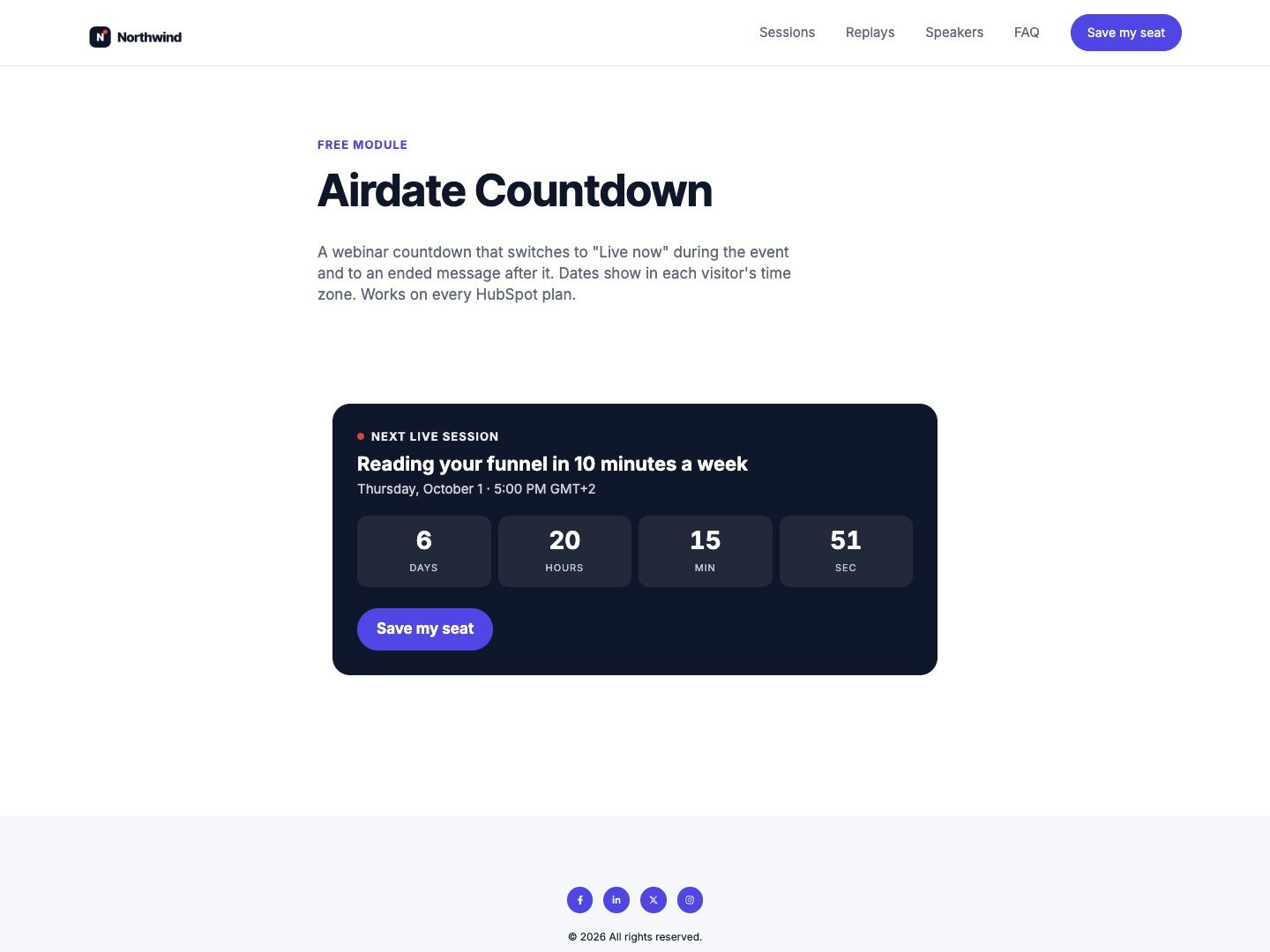
Airdate Countdown on a page

On the HubSpot Marketplace

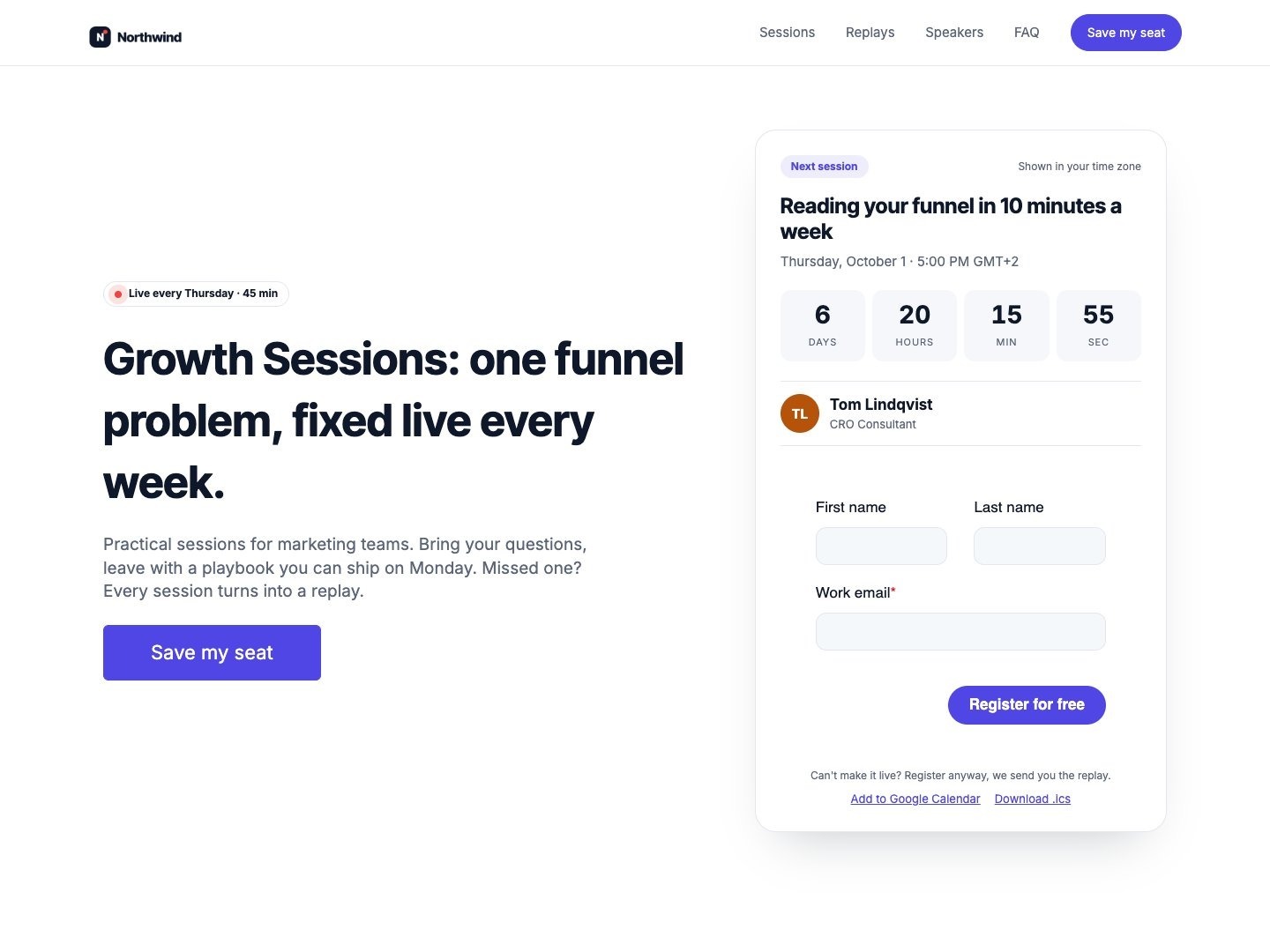
Airdate Countdown

A webinar countdown that switches to “Live now” during the event and to an ended message after it. One date or a weekly series.

  • Weekly series or one date
  • Live state with its own button
  • Each visitor’s time zone
Airdate Add to Calendar on a page

In review on the HubSpot Marketplace

Airdate Add to Calendar

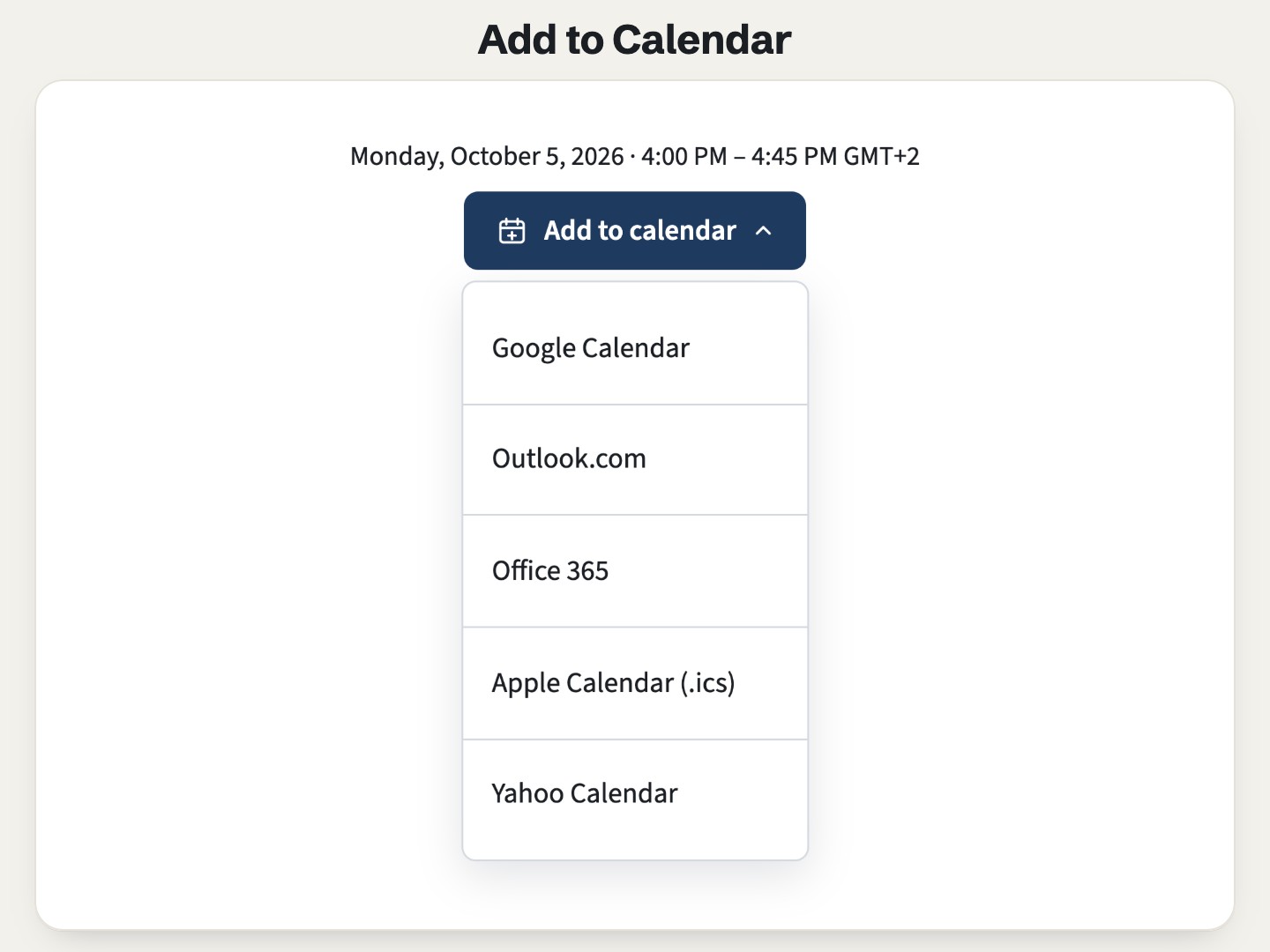
One event, every calendar: Google, Outlook.com, Office 365, Apple (.ics) and Yahoo, from one button or side by side.

  • All-day and multi-day events
  • .ics reminder
  • Keyboard-friendly menu
Airdate Upcoming Dates on a page

In review on the HubSpot Marketplace

Airdate Upcoming Dates

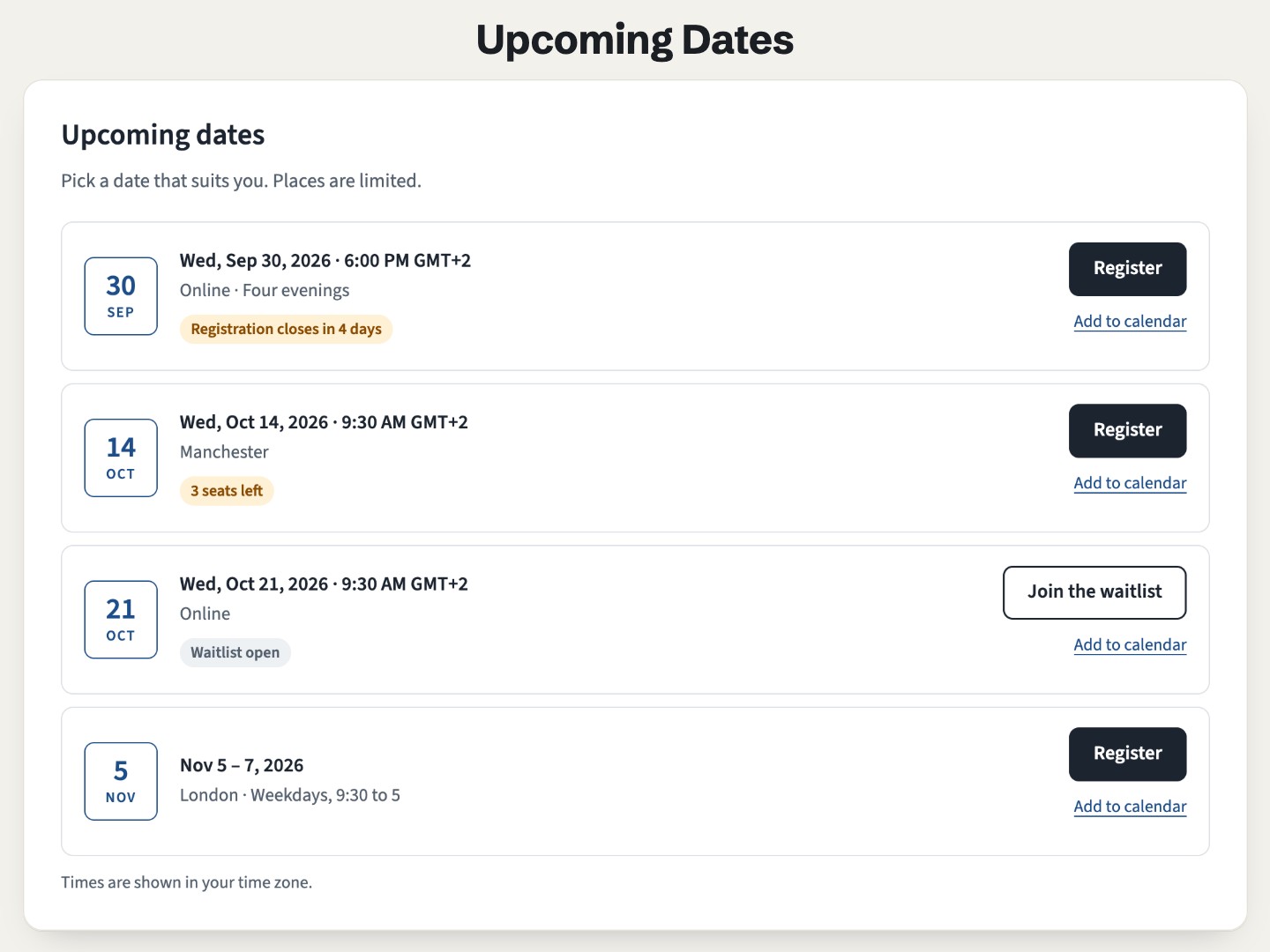
The next dates of a course or event, with seats left, closing soon, full and waitlist worked out on their own.

  • Past dates hide themselves
  • Visitor or venue time zone
  • An .ics file per date
Airdate Event Schedule on a page

In review on the HubSpot Marketplace

Airdate Event Schedule

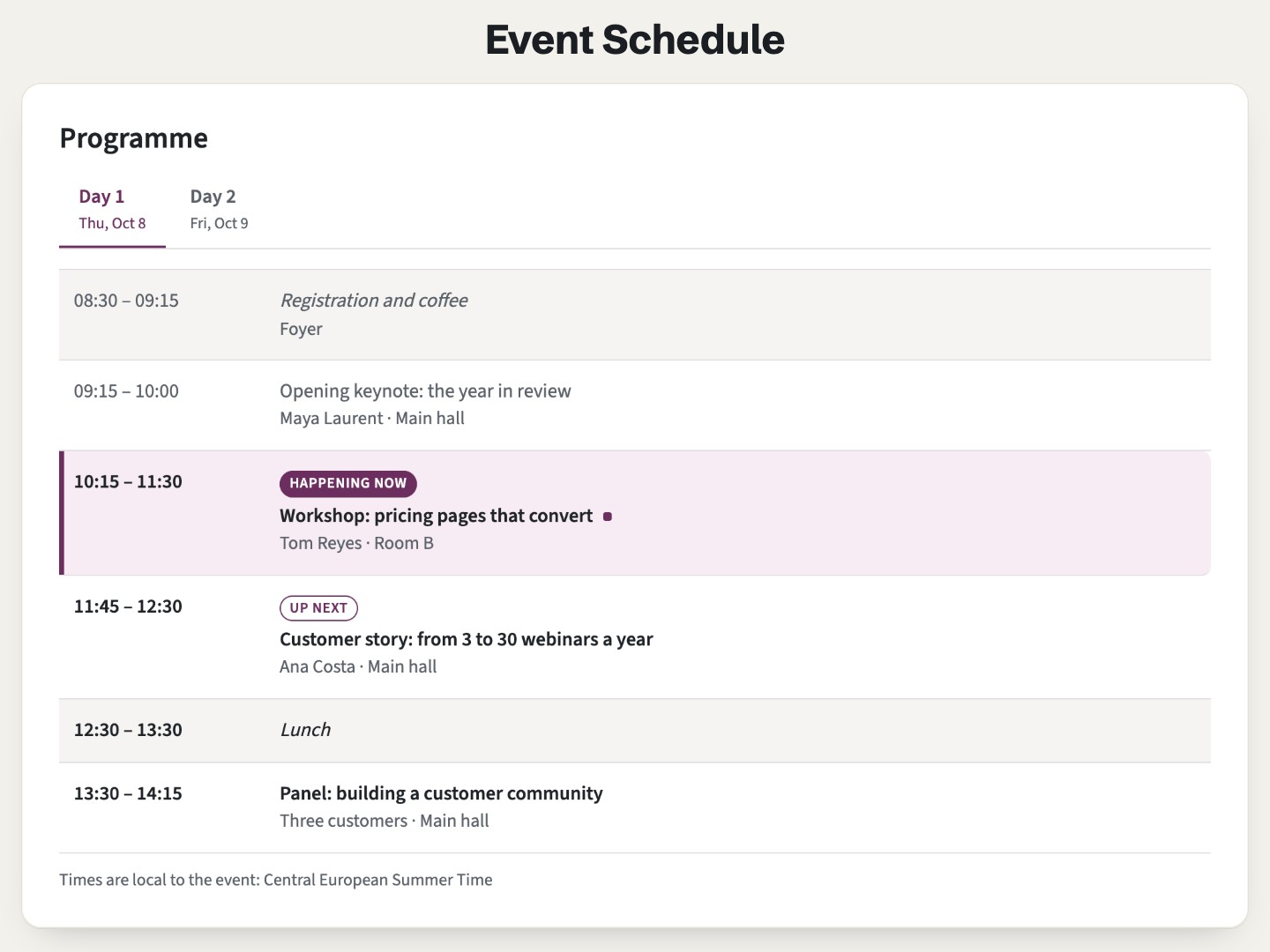
The programme of an event, hour by hour: a tab per day, the slot happening now highlighted, each visitor’s own time.

  • Tabs per day, keyboard ready
  • “Happening now” and “Up next”
  • Readable without JavaScript
Airdate Early-bird Price on a page

In review on the HubSpot Marketplace

Airdate Early-bird Price

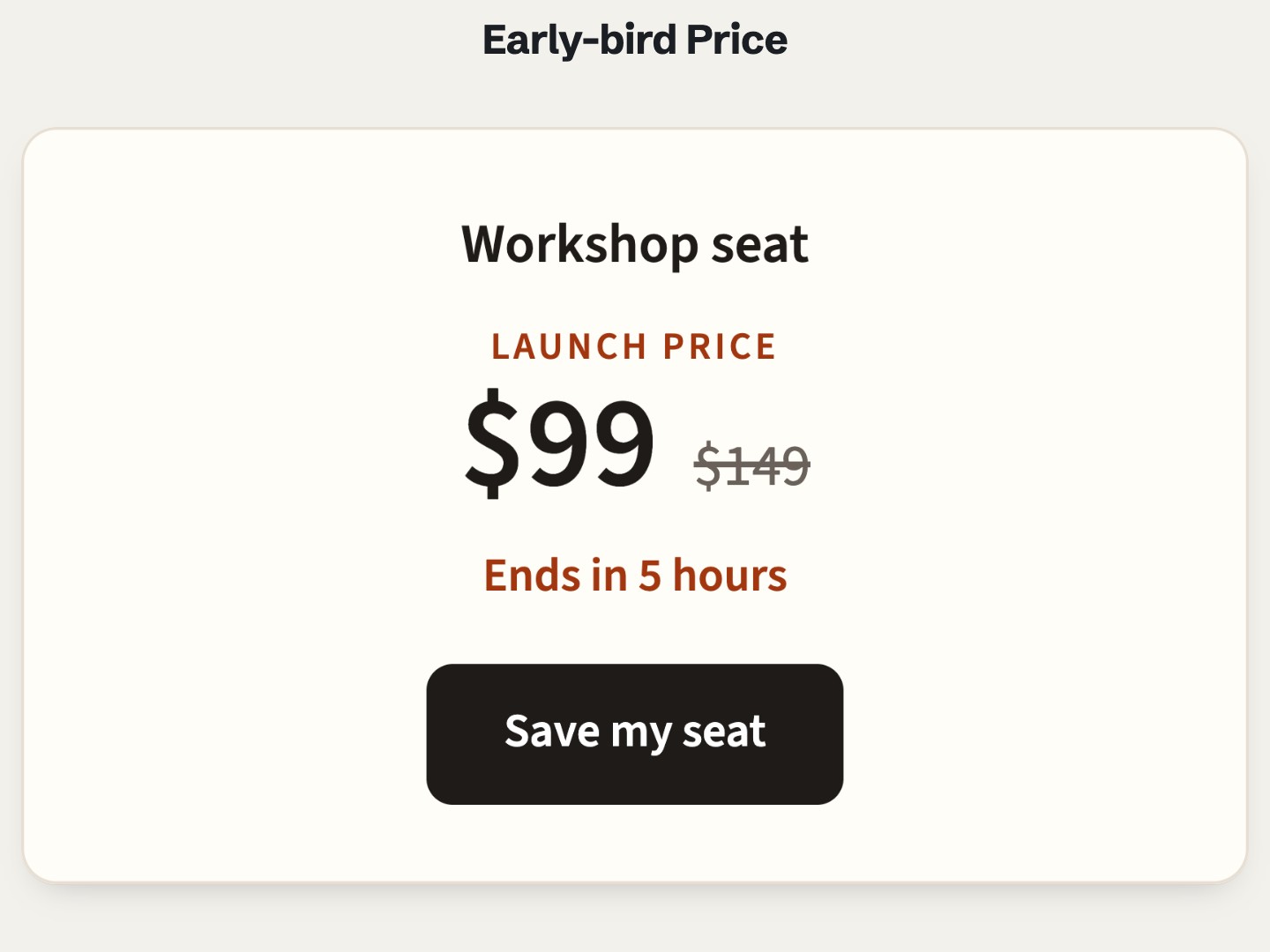
A price that changes by itself at the dates you set, with the full price struck through and the time left.

  • Several tiers
  • Switches at the exact moment
  • Any currency, page language
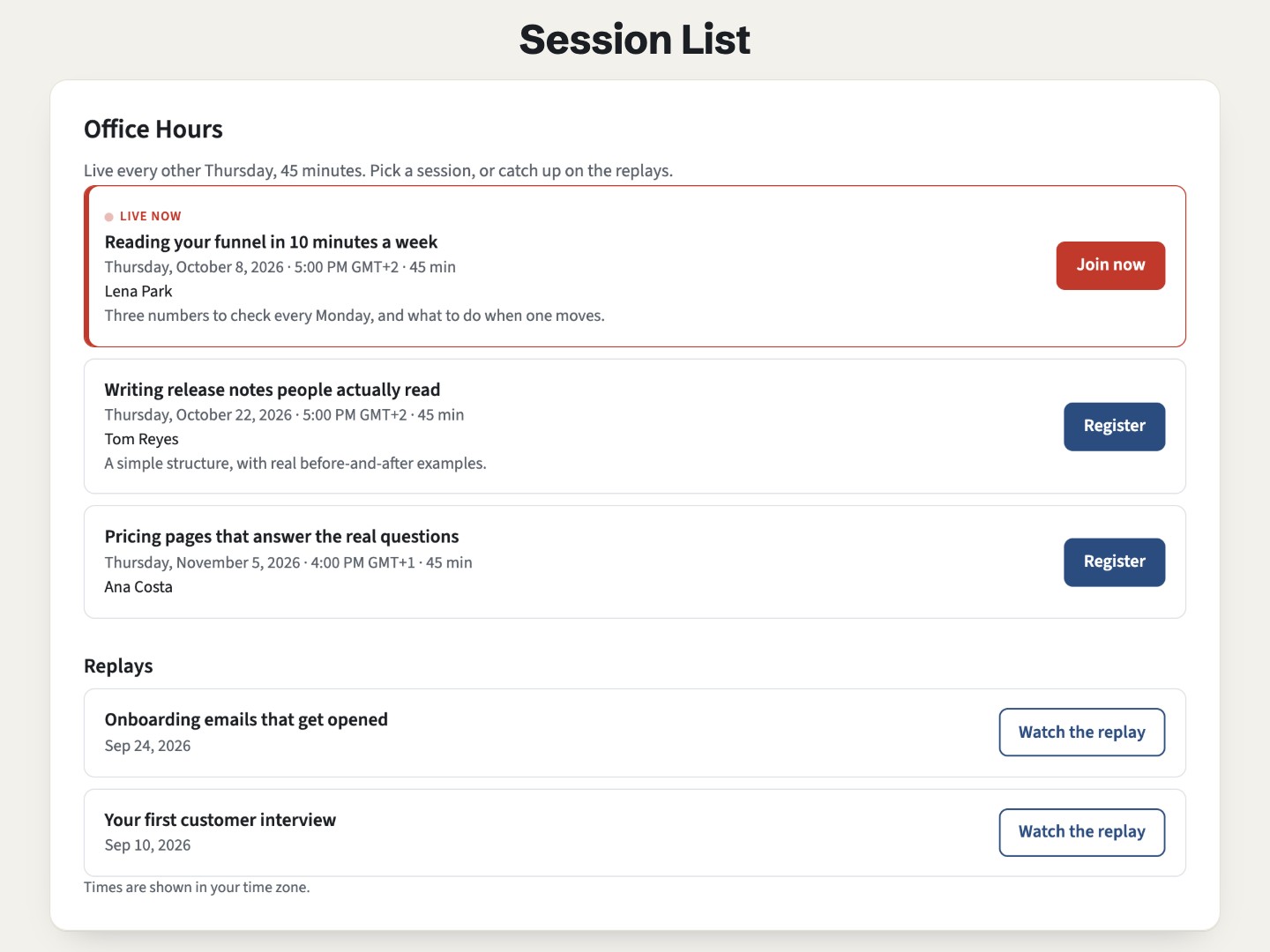
Airdate Session List on a page

In review on the HubSpot Marketplace

Airdate Session List

The sessions of a recurring webinar: the next one highlighted, a join link while live, then the replays.

  • “Live now” at the start time
  • Replays list
  • Works in any theme
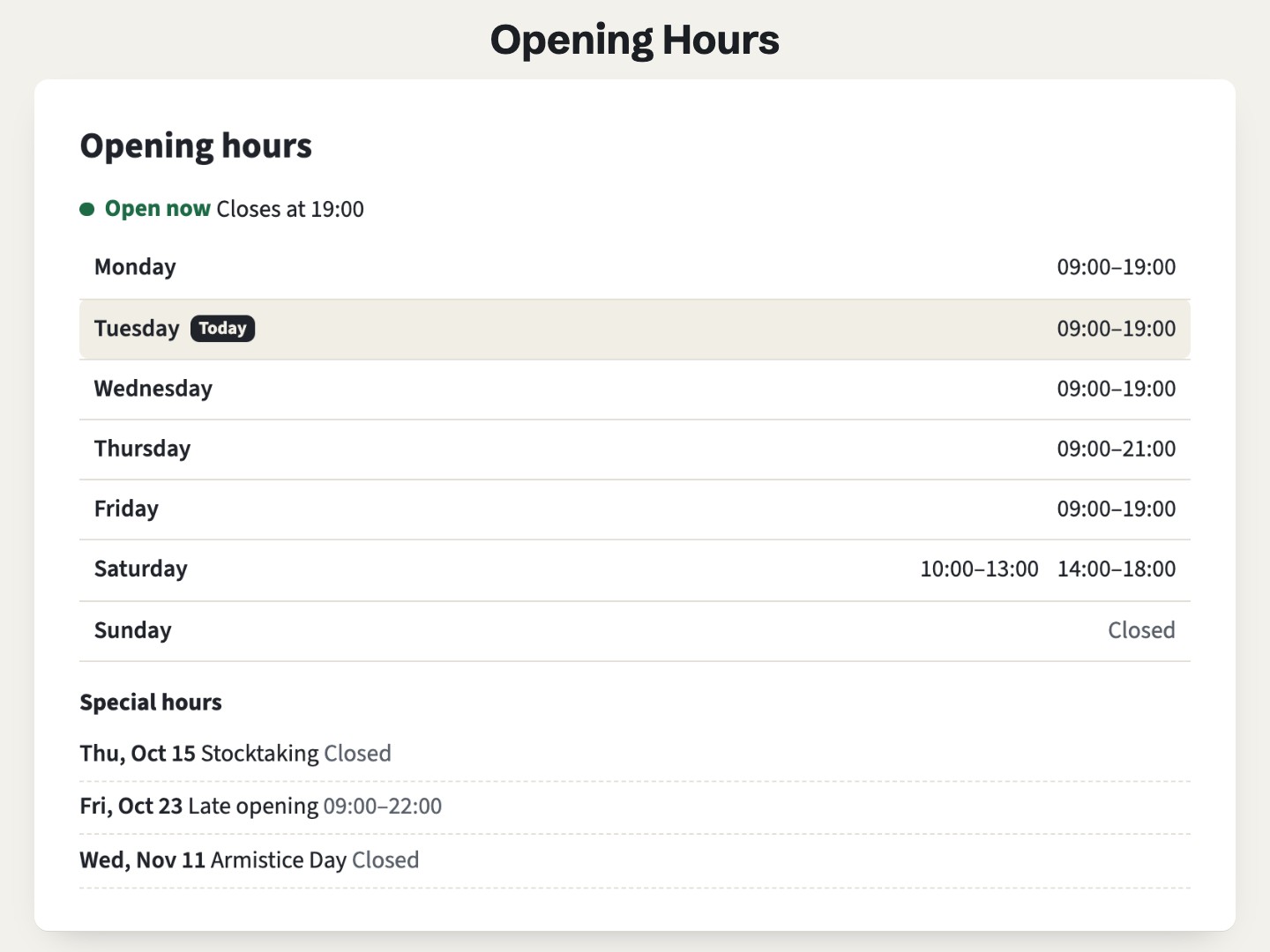
Airdate Opening Hours on a page

In review on the HubSpot Marketplace

Airdate Opening Hours

Your week and your special days, with “Open now”, “Closes at 18:00” or “Opens tomorrow at 09:00” worked out in the time zone of the place.

  • Holidays and late openings
  • Past midnight and 24 hours
  • Visitor’s own time too
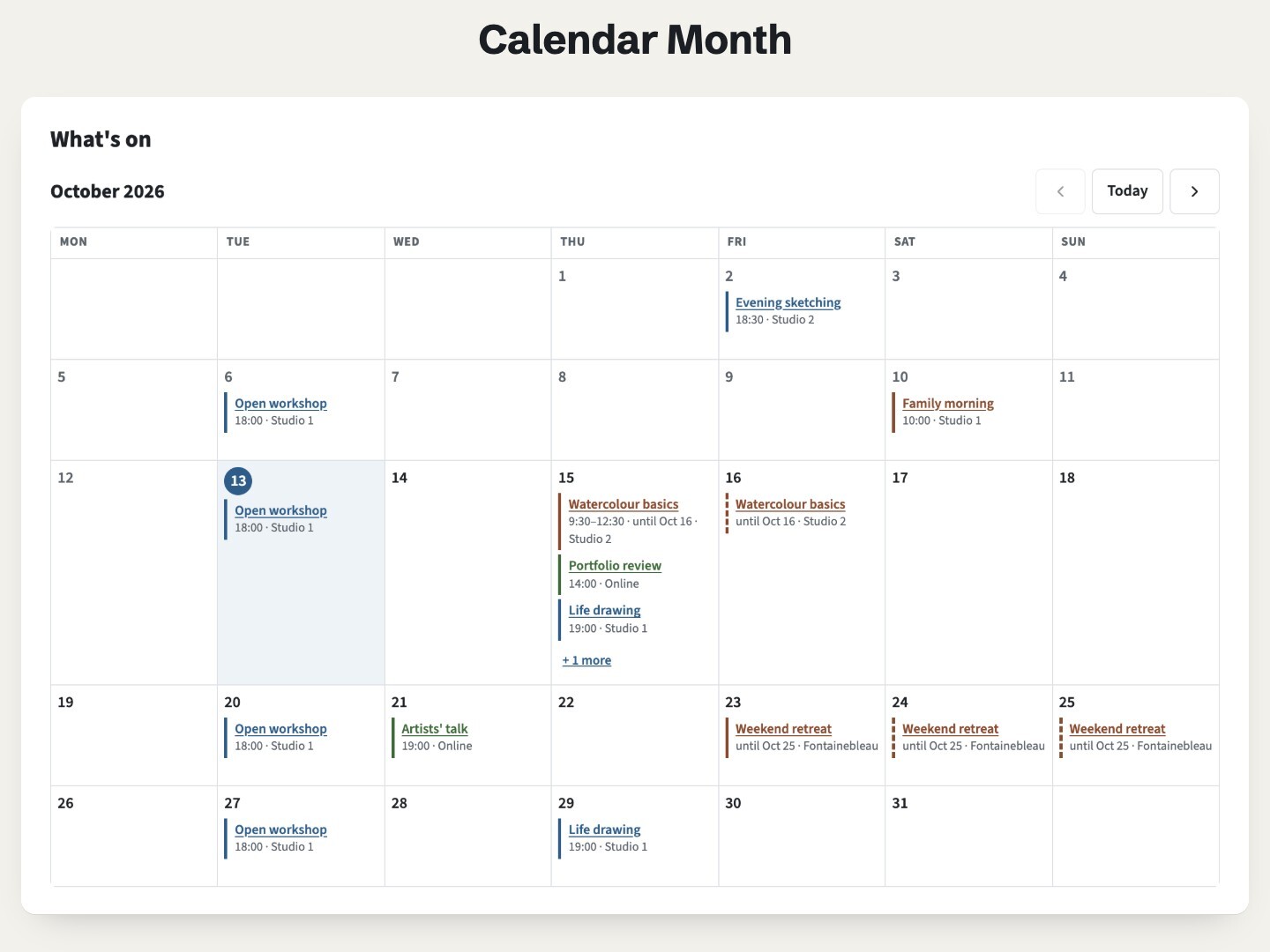
Airdate Calendar Month on a page

In review on the HubSpot Marketplace

Airdate Calendar Month

The dates you type, in a month visitors page through: today marked, past days dimmed, a link per date, a list of days on phones.

  • Page Up and Page Down
  • “+ 1 more” in busy days
  • Readable without JavaScript
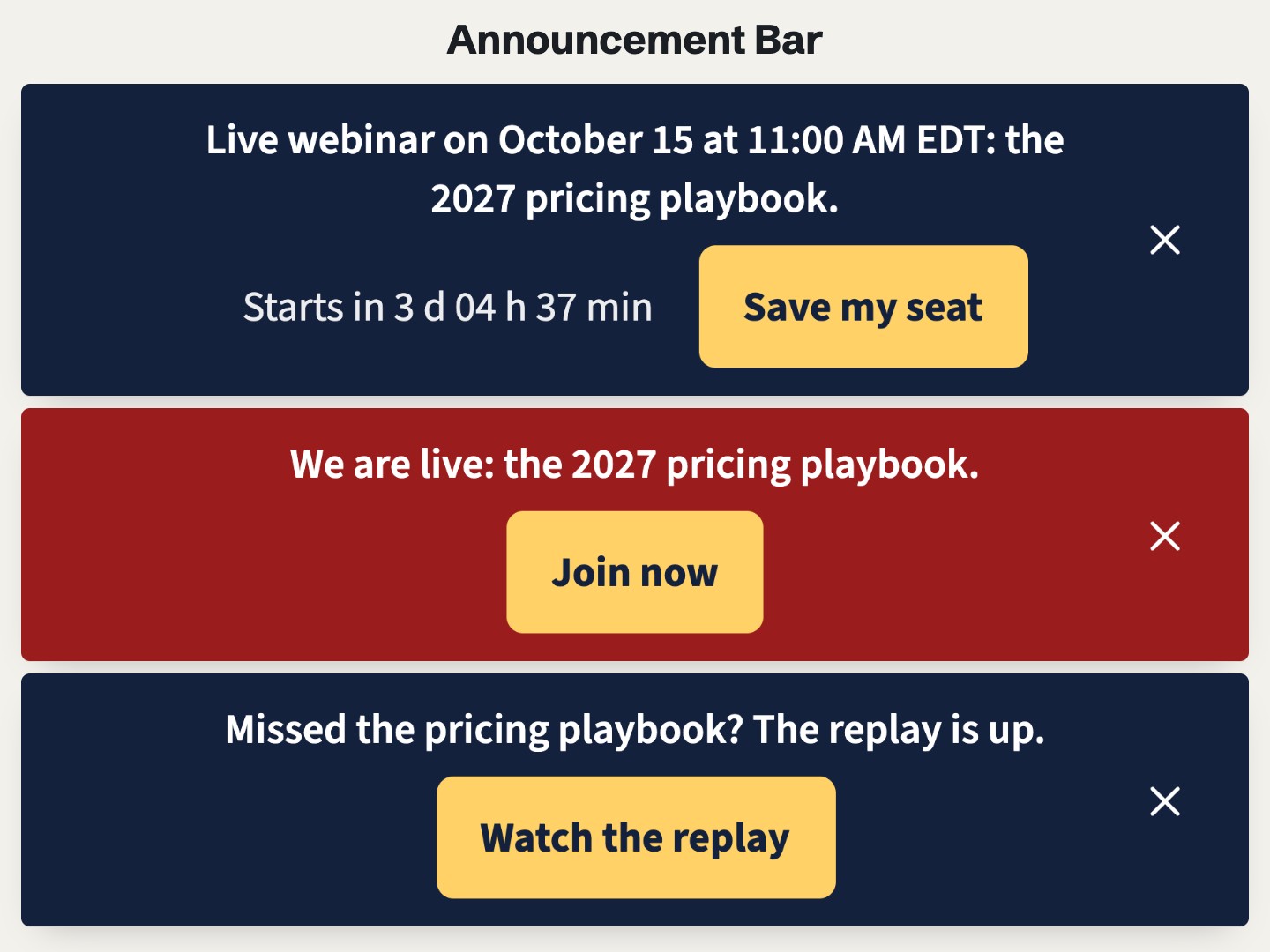
Airdate Announcement Bar on a page

In review on the HubSpot Marketplace

Airdate Announcement Bar

A bar at the top of the page that changes on its own: one message before your event with a countdown, one while it is live, one after.

  • Before, during and after
  • Dates in the visitor’s time zone
  • Closed means closed
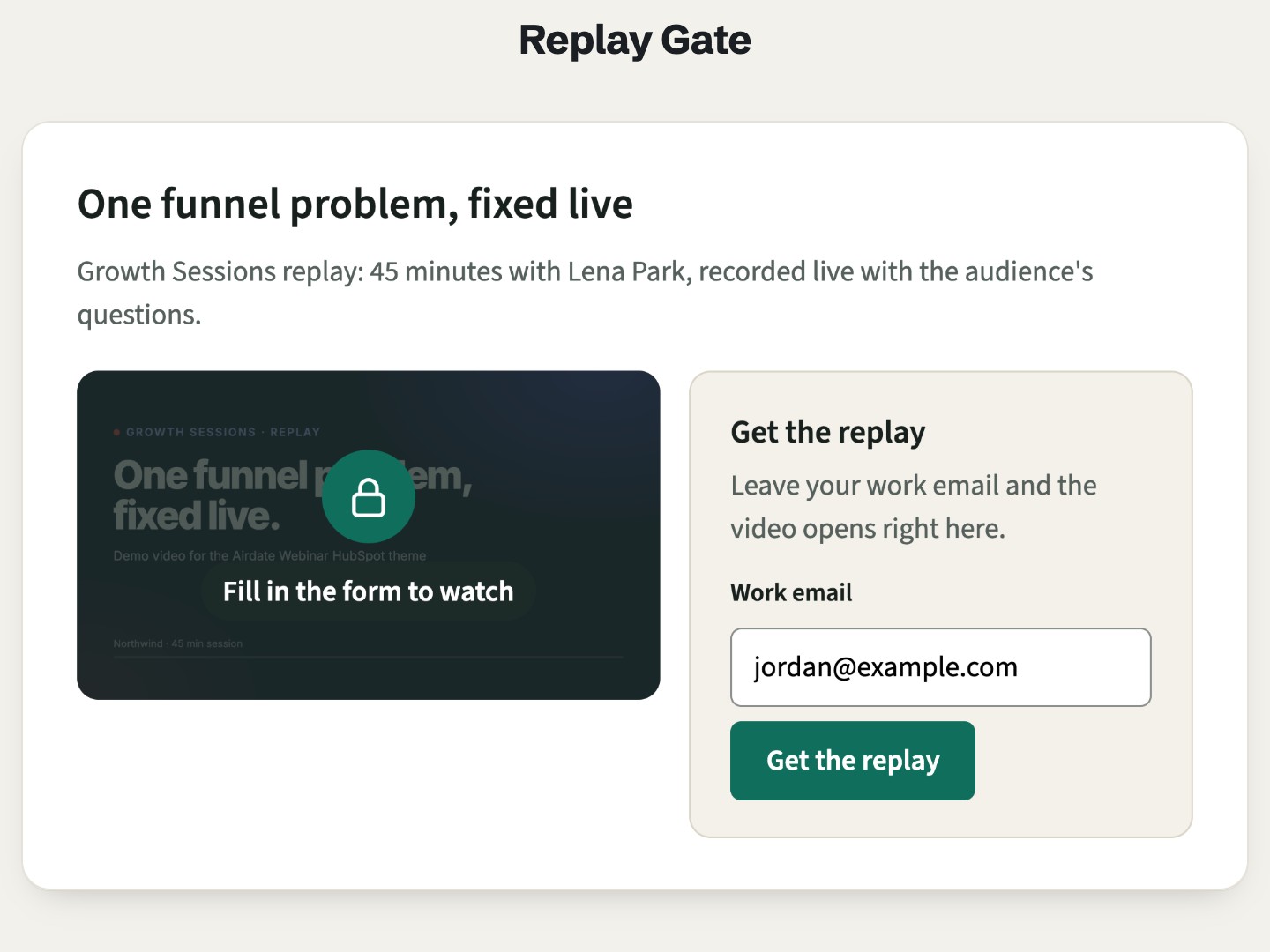
Airdate Replay Gate on a page

In review on the HubSpot Marketplace

Airdate Replay Gate

Your webinar replay or demo video behind your HubSpot form. It opens on the same page once sent, and stays open on return visits.

  • YouTube, Vimeo, Wistia, MP4
  • Opens on the same page
  • Remembers who sent it
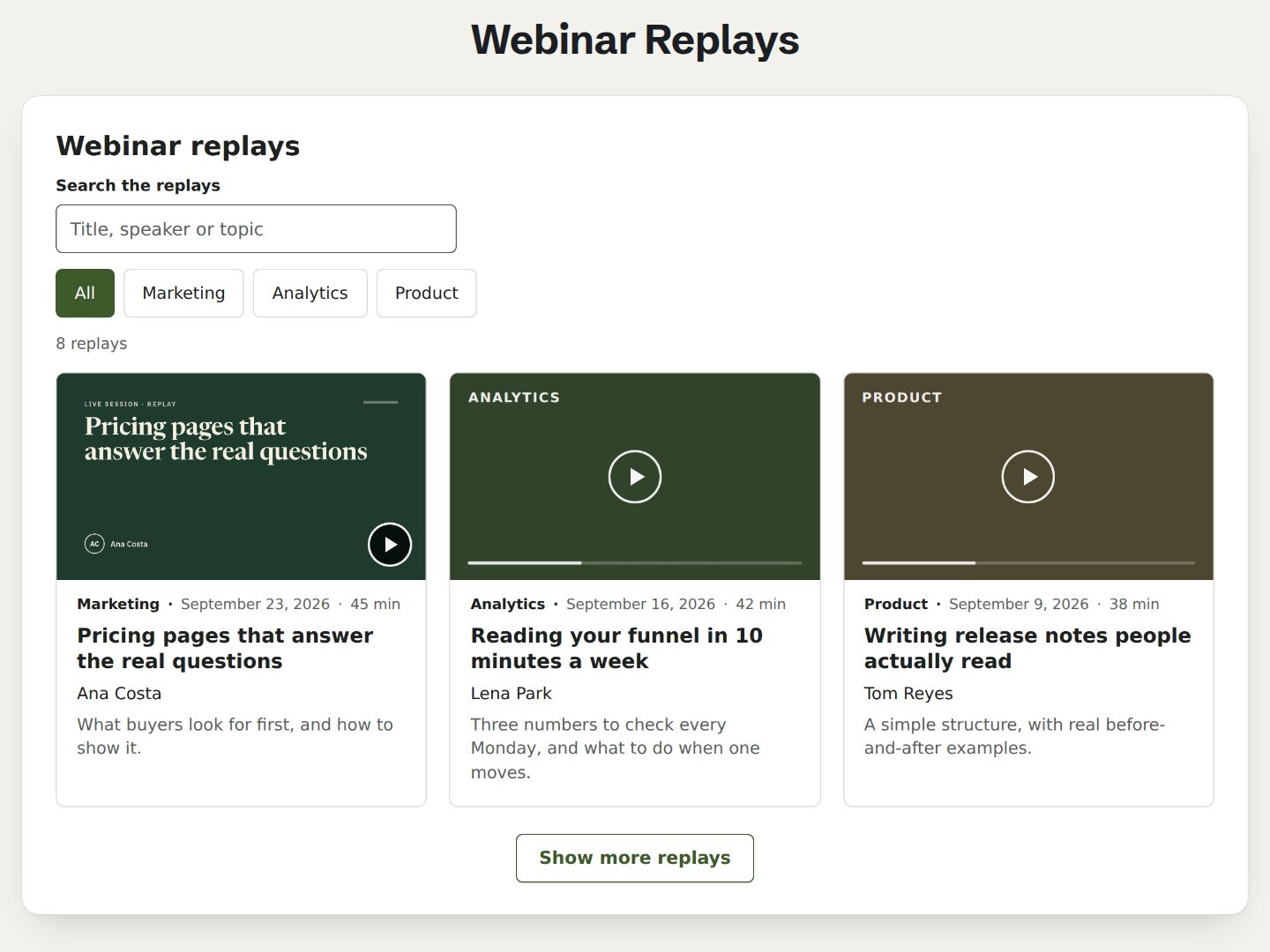
Airdate Webinar Replays on a page

In review on the HubSpot Marketplace

Airdate Webinar Replays

A library of your past webinars, newest first: filters by category, a search field and a “Show more” button. With JavaScript on, replays dated later stay hidden until their day.

  • Category filters and search
  • Readable without JavaScript
  • One, two or three columns
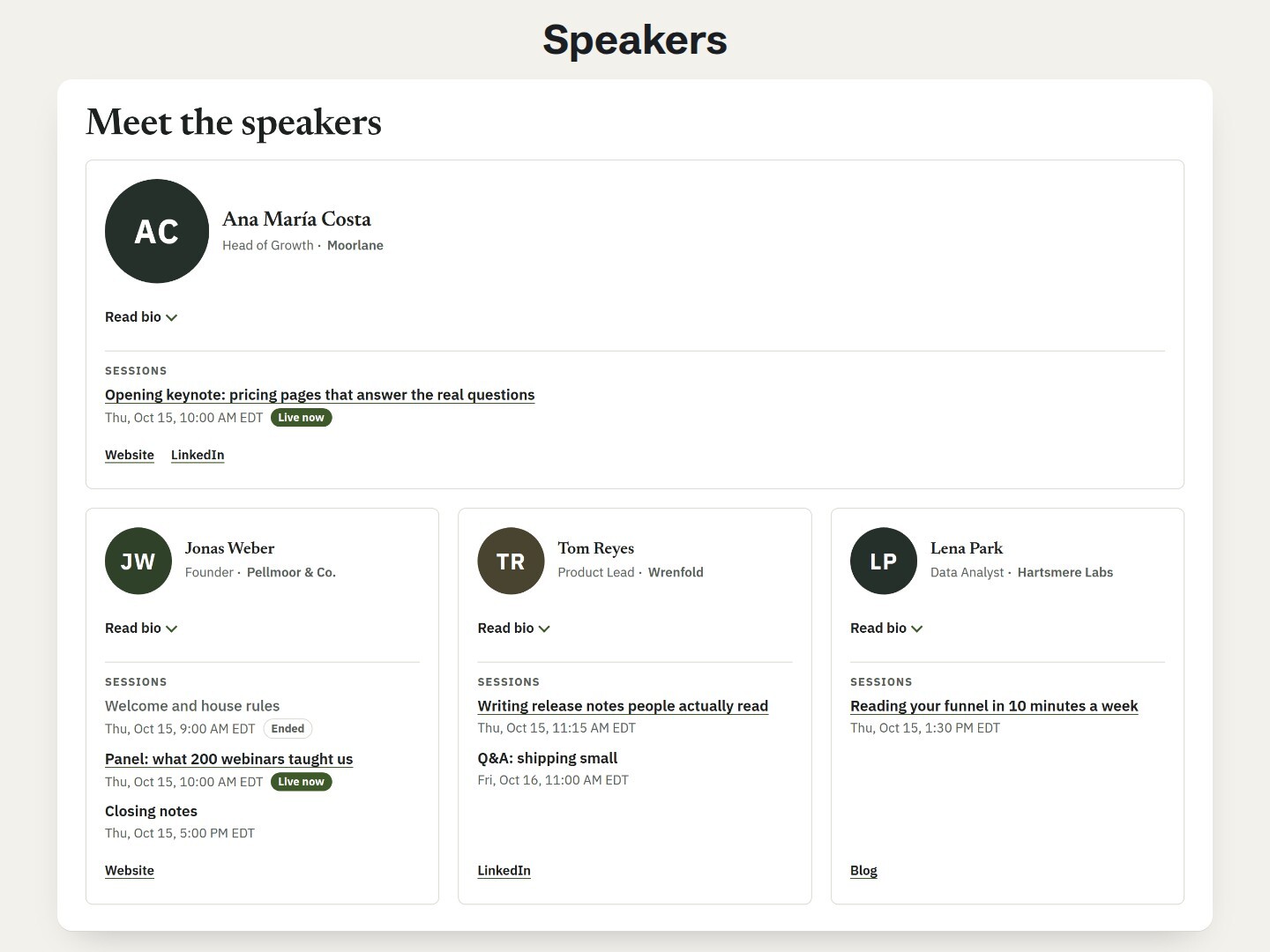
Airdate Speakers on a page

In review on the HubSpot Marketplace

Airdate Speakers

The speakers of your event or webinar: photo or initials, role, a short bio, links, and their sessions in each visitor’s time zone, marked “Live now” while they run.

  • Session times in the visitor’s zone
  • Bio behind a “Read bio” button
  • Cards or rows, keynote full width

When one module is not enough

The free modules each do one job. Our themes run a whole site on the same idea: you type your dates once and every page follows.

Airdate Webinar theme: next session with countdown, agenda and replays

Airdate Webinar

For recurring webinars: sessions typed once for the whole site, next session with a countdown, session and replay pages, a form before the replay.

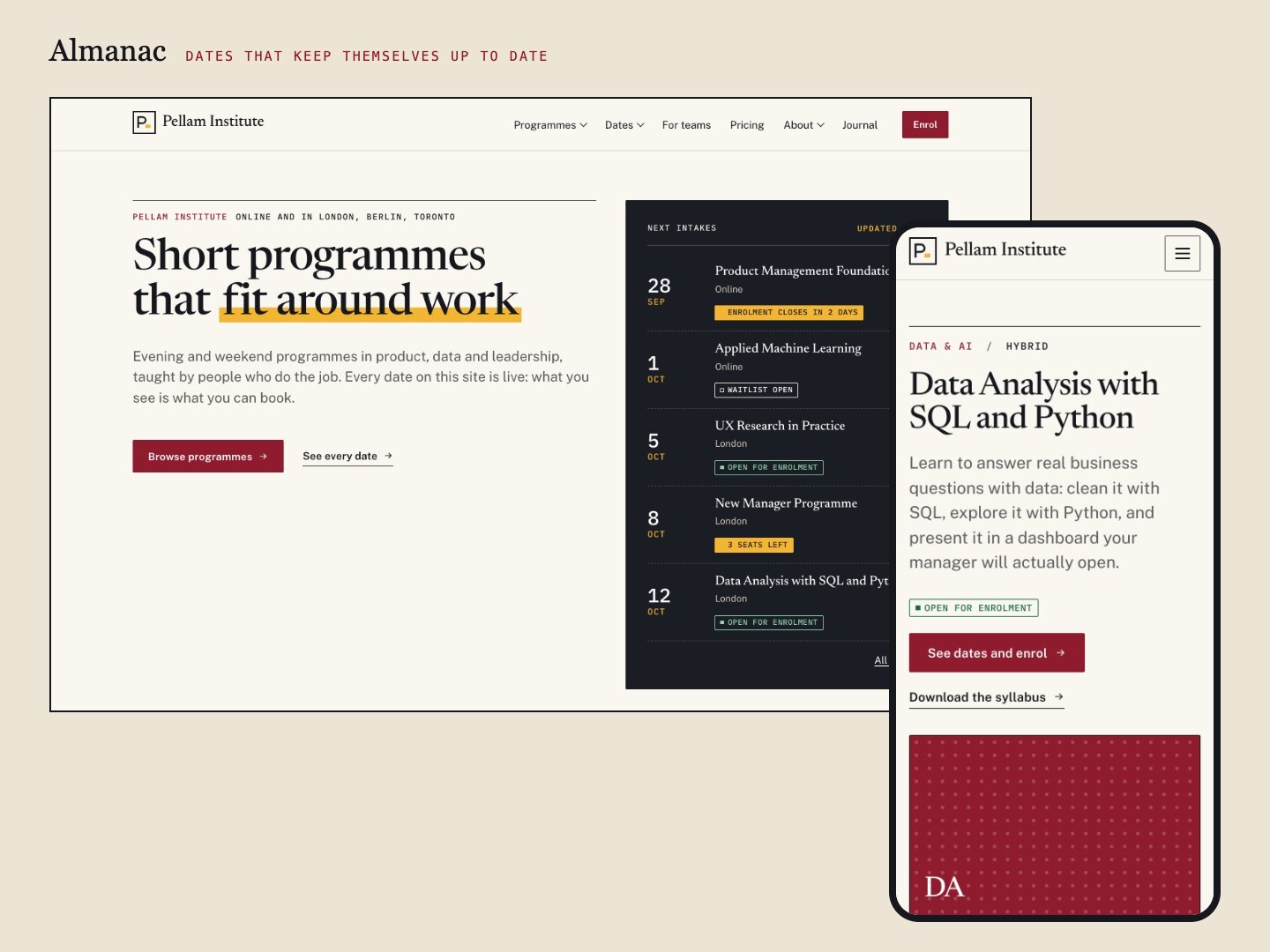
Almanac theme: programme catalogue with dates and statuses

Almanac

For training organisations, academies and event teams: programmes with dated cohorts, a catalogue with filters, statuses that update themselves, early-bird prices and a calendar.

Questions? support@airdatethemes.com · Airdate Themes