Free HubSpot module
An add to calendar button for your HubSpot pages
Type your event once. Visitors add it to Google Calendar, Outlook.com, Office 365 or Yahoo, or download an .ics file for Apple Calendar, with the right hour wherever they are.
Get it free on the HubSpot marketplace (opens in a new tab) Try the demo Setup guide
Free on every HubSpot plan · For website pages, landing pages and blog posts, not emails · No extra app or account
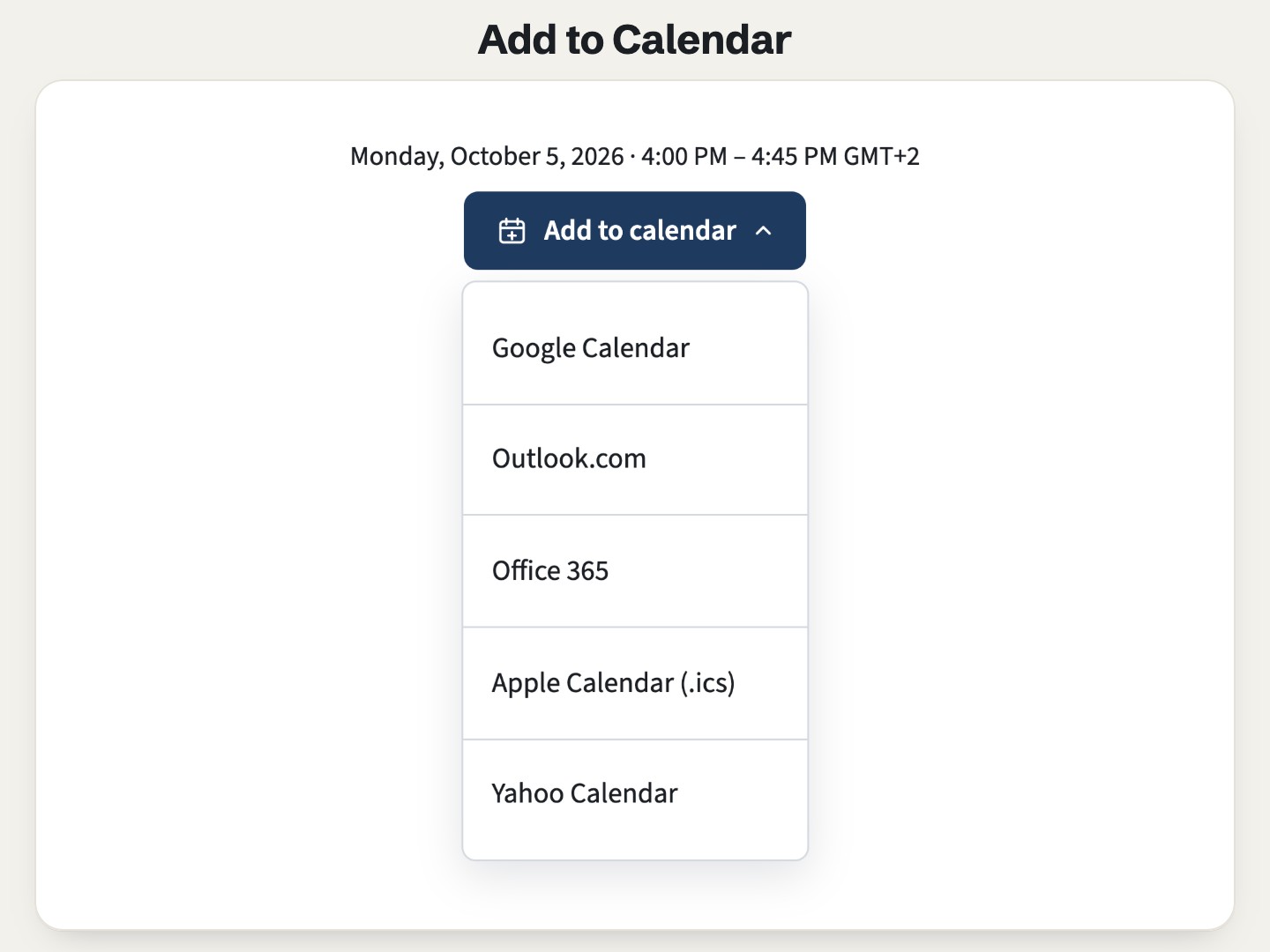
Try it here
Open the button, pick a calendar, or download the .ics file. The date line is shown in your own time zone.
The demo runs the real module. Open it full page.
What it does
Every calendar from one event
Google Calendar, Outlook.com, Office 365, Yahoo (optional) and an .ics file that opens in Apple Calendar, Outlook for desktop and most other apps. Title, description, place and online link are filled in.
The right hour for each visitor
The start is stored as an exact moment, so a guest in New York and a guest in Paris each get their own hour. The date above the button follows the visitor's time zone, or the event's zone if you prefer.
All-day and multi-day events
A conference day, a deadline or a summit of up to 14 days shows as full days, with no time.
A reminder in the .ics file
From 10 minutes to 1 day before. Web calendars use each guest's own default reminder.
One button or side by side
A compact menu that works with a keyboard (arrows, Home, End, Escape), or every calendar in a row. Colors, corners and text size are in the Style tab.
Tidy after the event
Once the event is over, a short message replaces the links, or the block hides. It is checked in the visitor's browser, so cached pages stay right.
Add it to a HubSpot page
- Install Airdate Add to Calendar from the HubSpot Template Marketplace (free).
- Open a website page, landing page or blog post in the editor, and drag the module from the Add panel.
- Fill in the Event group: title, start, duration or number of days, time zone, place or online link.
- Choose the calendars, the layout and the reminder, then publish.
Get Airdate Add to Calendar free on the HubSpot marketplace (opens in a new tab)
Questions
Why add a calendar button to a HubSpot page?
So people can save the date in their own calendar, with the right hour and the link. Adding events to calendars from HubSpot pages is a long-standing request on HubSpot's Ideas forum; this module does it on any page.
Does it work on HubSpot's free plan?
Yes. It is a regular module for website pages, landing pages and blog posts, on every HubSpot plan with pages, free included. No extra app, no extra account and no outside script.
Can I use it in marketing emails?
No. Email clients do not run the small script the module needs, so it is made for pages only.
What does the .ics file work with?
Apple Calendar on Mac, iPhone and iPad, Outlook for desktop, Thunderbird and most calendar apps. Some in-app browsers (inside LinkedIn or Gmail, for example) may block the download; visitors can use the Google or Outlook link instead.
Which time zone is used?
Calendars receive the exact moment of the event, so every guest sees their own hour. For an all-day event, fill in the event time zone (such as Europe/Paris) so the day is right for everyone.
Can I translate the button and the calendar names?
Yes. Every word the module shows is a field, and dates follow the language of the page.
Does it register people for the event?
No. It only saves the date in their calendar. Keep your HubSpot form for registrations and place the button on the thank-you page or next to the form.
Not quite this one?
- Airdate Countdown: the time left before the event, with a button to the live room.
- Airdate Calendar Month: a month of dates to page through, when one event is not enough.
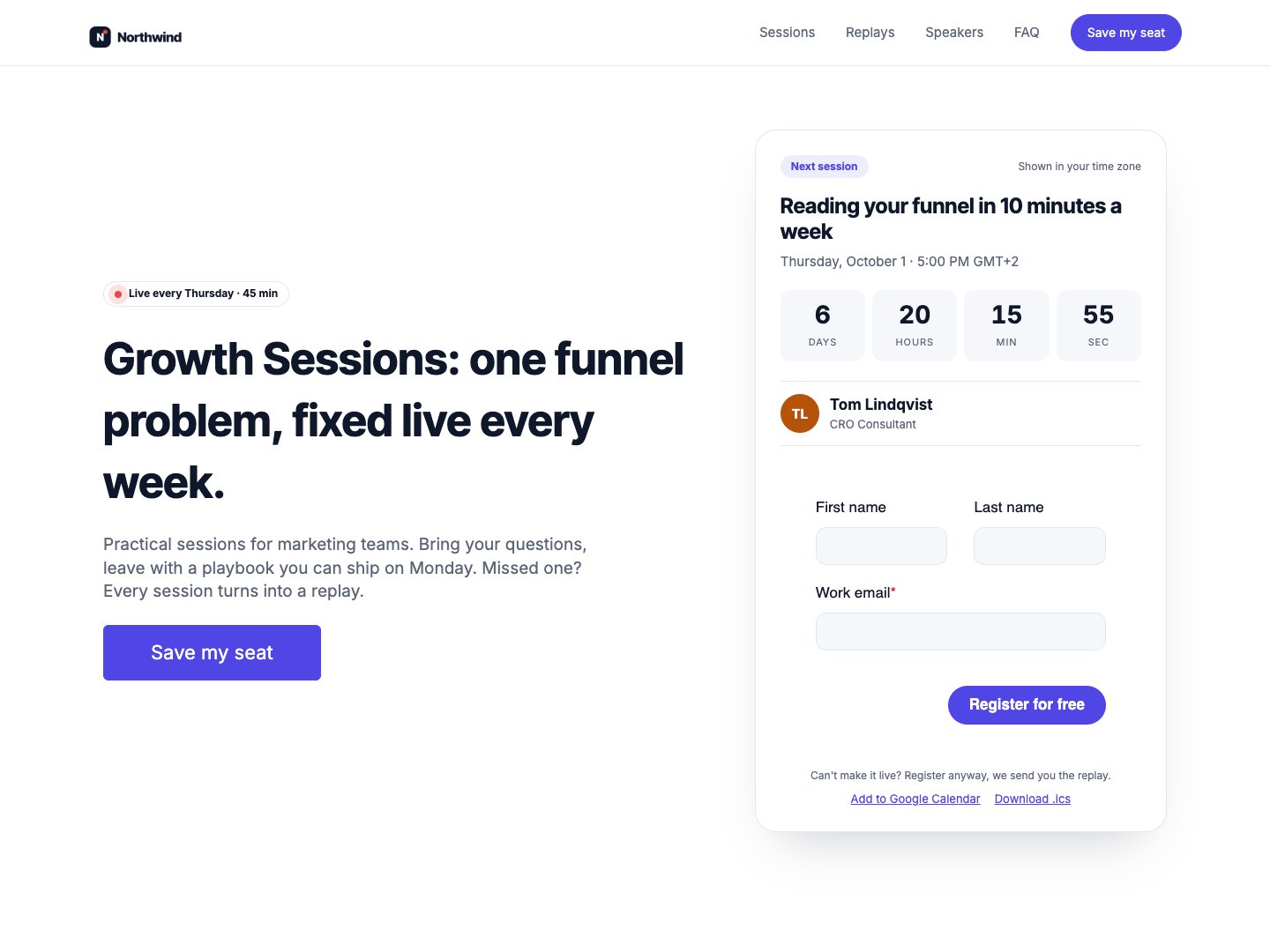
Airdate Webinar
If your dates repeat, Airdate Webinar keeps a whole webinar series up to date, with calendar links on every session.
A paid HubSpot theme for recurring webinars: you type your sessions once, and every page shows the next session with a countdown, the agenda, the live state and then the replay.
See the theme on the marketplace (opens in a new tab) · Live demo (opens in a new tab)
More free modules
Questions or a bug? support@airdatethemes.com, in English or French. We answer within two business days. · Airdate Themes